Changelog

Stay up to date with all of our latest additions & improvements.
To see upcoming features, check out our Roadmap

December 3, 2025

November 2025 Release Notes

November 2025 Release Notes cover image

Summary

As the year winds to a close, we're focused on fixing all the bugs we can find and adding a few improvements to cap off 2025.

Improvements

  • Buttons now use the user's chosen theme colors by default

Bug Fixes

  • Removed the compass/move icon for learning resources in the course launch page
  • Fixed issue of test emails not sending
  • Resolved blank display for Learning Resources within Courses
  • Fixed duplicated instructions in the info modal
  • Updated course/product images to maintain aspect ratio and prevent stretching
  • Fixed animation issues in the page builder
  • Corrected an issue where removing a learner also removed the portal admin as a learner
  • Fixed date-related issues when adding a webinar
  • Resolved error when accessing a sub-portal after cloning a portal without branding
  • Fixed login and password reset errors for users
  • Addressed issues with sending new account emails for portals
  • Fixed the page builder code block not updating
  • Updated tooltip behavior across all pages
  • Fixed UI issues in the webinar modal for mobile devices
  • Updated certificate preview to use the user's chosen date format instead of the default date format
November 3, 2025

October 2025 Release Notes

October 2025 Release Notes cover image

Summary

This month, we improved functionality around user management and permissions, and fixed several bugs.

Improvements

  • Permission controls: Portal Admin Permissions are now restricted based on the current user’s access level
  • Learner Dashboard update: Added "My Learning" options to the Learner Dashboard dropdown menu
  • User management: Introduced the ability to export all users at once

Bug Fixes

  • Fixed an issue where a portal couldn't be saved without a referral code
  • Corrected date formatting on the Course Insight Report to match the site’s date format
  • Fixed an issue where product filter exclusion by category did not properly exclude products
  • Resolved a bug where the portal admin was being added as a learner even when the “Learner” toggle was disabled
  • Fixed video subtitle visibility
  • Corrected the visibility of the "Select Module Type" option on the "Create/Edit Course" page
  • Added "reply to" for all the emails
  • Fixed issues related to editing progress and saving assignment drafts
  • Resolved an issue where additional course info showed “expires: false” even when an expiration was configured
  • Fixed access issues with the bulk import page from the Portal Learner listing

October 1, 2025

Q3 2025 Release Notes

Q3 2025 Release Notes cover image

Summary

We spent a lot of time fixing bugs this summer, and just as much time adding improvements and new features.

New Features

Portal Seat Enhancement: Content-Based Seats

This was a popular request for users who want to have a specific allotment of seats for each course. Now, when you set up a new Portal, you have the option of choosing a Portal-Based Seats model or Content-Based Seats model. With content-based seats, administrators can designate a specific number of seats for each course (ex: 40 seats for Course A, 60 seats for Course B) and can now purchase additional seats for specific content. On the other hand, with portal-based seats, there's a set total number of users allowed in each portal. To learn more, head to the docs.

Improvements

July:

  • Updated API for bulk uploading of users

August:

  • Added Site pages option in portal settings menu
  • Added the ability to filter by portal in export users report
  • Added automatic pausing on video playback if users close or go to a different tab/window
  • Added seat visibility to content pages for content-based seats portal

September:

  • Announcements sent to portals by course owners are now easily findable under "Portal Announcements"
  • Course selection dropdown now remain open after selection
  • Added support of common symbols in names of file uploads
  • In user profiles, the avatar and stats are now in justified alignment
  • Minor UI changes to improve vertical spacing in the "Manage Portal" screen
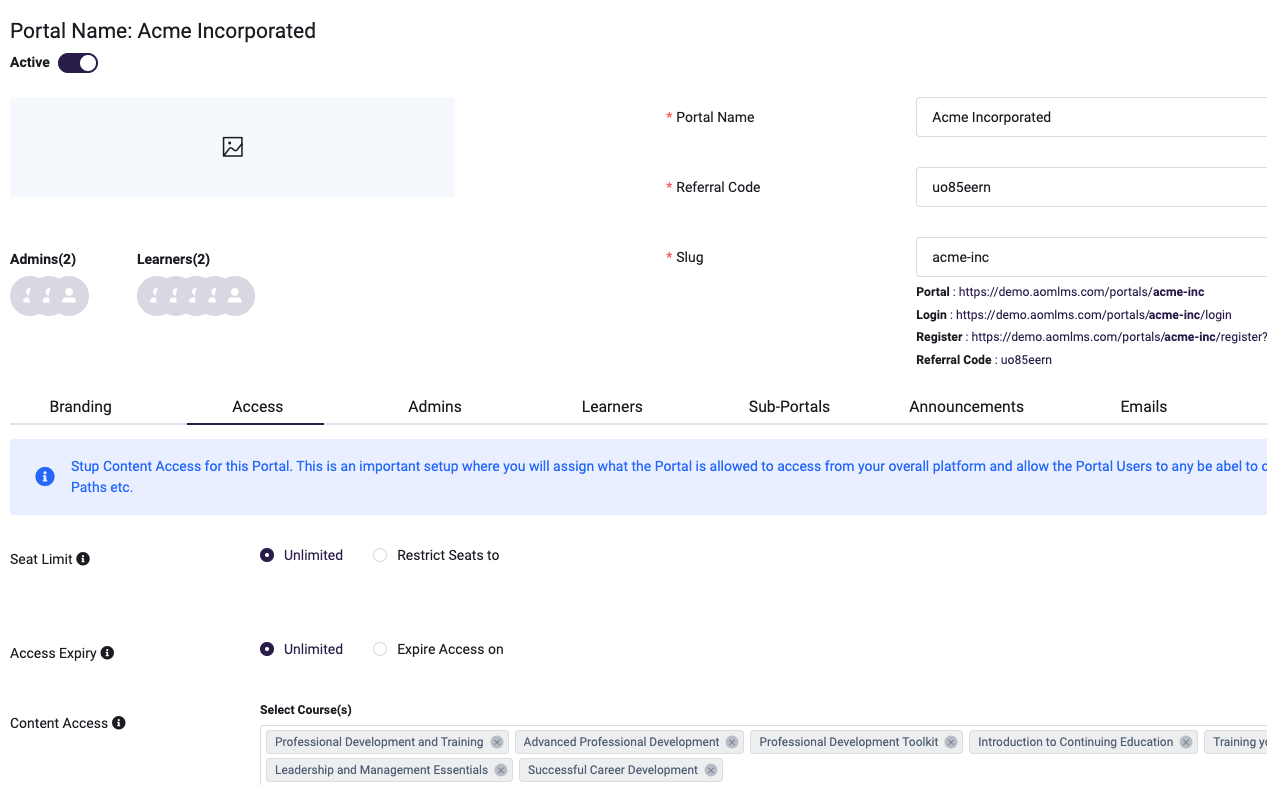
  • Added "Select All" option in Course Content Access in Portal Content

Bug Fixes

July:

  • Resolved an issue where order details were not loading on the post-purchase "Thank You" page
  • Fixed a bug in extracting URLs from YouTube/Vimeo links
  • Corrected the behavior of coupon codes expiring a day earlier than intended
  • Fixed sorting issues in portal listing tables
  • Addressed loading issue during course submission
  • Fixed layout issue causing info button text to overflow outside the button
  • Resolved a problem with password reset notifications not being sent
  • Fixed progress tracking discrepancies in Learning Paths
  • Corrected a display issue where the Membership page loads on the Learner Dashboard

August:

  • Fixed issue of Vimeo videos not playing
  • Fixed date range issue in the audit log report
  • Fixed issue of owners not being able to add content to portal
  • Fixed issues around memberships not being able to be self-enrolled within the portal and other aspects of self-enrollable courses not functioning as intended

September:

  • Resolved an issue where discussion marks were not updating correctly
  • Addressed an error preventing adding portal admins to a portal
  • Fixed permission issues encountered when previewing PPT modules
  • Corrected the display of Learning Path courses to ensure they no longer appear under My Courses and Dashboard
  • Resolved an issue with saving Portal default learner menus
  • Fixed an issue where custom code was not being appended within the page
  • Corrected a video playback glitch that caused uploaded course videos to repeat
  • Updated staff impersonation behavior to consistently return to their own dashboard
  • Resolved an error preventing portal admins from enrolling learners into content with unlimited seats (content-based seats)
  • Fixed an issue where products could not be removed from the cart
  • New comments no longer reopen items for evaluation

Upcoming Features

  • Building custom reports

July 1, 2025

June 2025 Release Notes

June 2025 Release Notes cover image

Summary

We had various improvements to the LMS platform for the months of May and June 2025.

Features and Improvements

  • Updated user profile layout to align avatar and stats to the top/start.
  • Fixed issue where the image placeholder was not working in the Text/HTML module when using a provided image URL.
  • Enforced slug validation in Create Portal to disallow special characters.
  • Added a validation for coupon Maximum discount cannot exceed 100%.
  • Enhanced asset uploads to support common symbols in file names.
  • Updated Webhook Structure
  • Added Audio Block In Page Builder

Bug Fixes

  • Fixed page Layouts not populating anything when selected from My Library.
  • Fixed Learning Path completion progress shows wrong percentage when enrolled through bulk upload.
  • Fixed Drip function time calculationFixed subscription because Cancelled spelling was not correct, due to which the subscription status was not showing any value
  • Fixed Document link for Zoom being out of dateFixed issue with the delete Pop Up Font
  • Fixed issue for Unable to Delete Learning Resource.
  • Fixed issue for Sub Portal admin not able to manage its portal.
  • Fixed issue for Authorize.net payment was not going though.
  • Fixed an issue where portal admins were unable to update users in sub-portals.
  • Fixed the launch URL issue in the Info tab.
  • Fixed issue where module drip dates appeared differently for learners.
  • Fixed Issue in Upcoming Webinar Email.
  • Fixed LTI integration issue when connecting to a cloud-hosted Canvas platform.
  • Hide the Permissions tab for general users not associated with any portal.
  • Updated recertification process to fetch the latest certificate.

Upcoming Changes

  • Extend B2B Portals functionality to allow seats both at a Global level and at a Course Level. This will add ability to offer multiple courses in a Portal with different seat configurations and enable Ala-Cart option in eCommerce as well.

April 1, 2025

April 2025 Release Notes

April 2025 Release Notes cover image

Summary

This release focussed mostly on improving Security and enhancement of existing functionality.

New Features

  • Implement automated attendance tracking for Zoom Webinars .
  • Clone an existing B2B Portal to setup new Portals quickly.
  • Implemented simple login throttling to prevent brute-force attacks.

Improvements

  • Removed redundant "Confirm Password" field in Registration Form.
  • Implemented the latest NIST password recommendations.
  • Expiring memberships now revoke access to associated courses.

Bug Fixes

  • Fixed sorting issues in the Learning Path details report.
  • Resolved an issue preventing certificate edits.
  • Fixed an issue preventing user deletions.
  • Resolved the issue where the module status did not display as "Completed" in the Student Quizzes listing.
  • Fixed the issue where coupons were missing in invoice and order exports.
  • Resolved the email failure issue for Cart Abandonment.
  • Fixed course progress percentage calculation error.
  • Addressed a security vulnerability that allowed users to modify another user's password or email via API manipulation using Burp Suite.
  • Resolved the issue where not all courses were displayed in the Portal Courses dropdown.
  • Fixed the staff export report issue.

Upcoming Features

  • MS Teams integration In Hybrid Courses

March 1, 2025

2025 Q1 Release

2025 Q1 Release cover image

Summary

The team has been busy building various features and improvements since the beginning of the year in various areas such as course player, eCommerce, learner experience, integrations and many more.

New Features

  • Product/Course Reviews
  • Hybrid Courses with Enhanced Instructor Led Training (ILT) capability
  • MailChimp Integration
  • Advanced Quiz Reporting
  • Feature to export Portals with member details

Improvements

  • Option to generate password and added eye icon for password visibility
  • Maximum allowable uploaded filename length has been increased to 100 characters.
  • Quiz scorecards hows percentage and a pass or fail status based on the score.
  • Portals: Adjusted the portal dropdown to contain the logo, preventing distortion.
  • Restricted deletion of Courses, Learning Paths, and Memberships if they are attached to a portal.
  • Display the Course Curriculum on the Single Product Page
  • Added Organization Name and Organization VAT ID fields in Billing/Shipping Address.
  • Set a fixed length of 10 characters for the password generator.
  • Added New event "Course Expiration" for HubSpot Integration.
  • Configure the minimum number of seats required for each product during purchase.
  • Display user-associated portals in the user profile section.
  • Added Notes section in the Invoice.

Bug Fixes

  • Fixed the bug where the button design was not displaying correctly on the HubSpot Integration page.
  • Fixed the Launch Webinar button functionality and display issue.
  • Fixed drag-and-drop issue in the Certificate section.
  • Fixed issue where Completed Courses were incorrectly displayed on the Learner Dashboard and resolved Sorting functionality.
  • Fixed the Timezone issue in the Drip Function.
  • Fixed issue preventing Discussion Submissions from loading.
  • Fixed error when purchasing Subscription Products in the Portal.
  • Fixed an issue where the Pending Payment email was not being sent.
  • Fixed issue with the Course Expiration email not being sent correctly.

Upcoming Features

  • Ability to Delete Saved Cards

December 31, 2024

Q4 Release Items: LTI and eCommerce enhancements

Q4 Release Items: LTI and eCommerce enhancements cover image

Summary Q4 was a busy quarter for us where we released some big features and many more enhancements in various areas.

New Features

  • Learning Tools Interoperability (LTI v1.3) to enable seamless integration between our LMS and an external platform allowing customers to enable course access in an external platform without creating an account in AOM LMS.
  • eCommerce Payment Gateway CASHNet integration for academic institutions.
  • Abandoned Cart Functionality for eCommerce marketing.
  • Custom Subdomain on Portals.
  • Tax and Shipping on eCommerce Products.

Improvements

  • Added the ability to update icons for fixed menu options.
  • Exported survey reports now include user details and submission information.
  • Mobile logo feature reintroduced for enhanced branding.
  • LMS and Learning Path Overview Reports now show the percentage of progress completed.
  • Added user metrics to reports.
  • Allowed registration for users with portal domain email addresses.
  • Introduced a feature to duplicate certificates.
  • Added the option to quickly edit common quiz settings.
  • If users are not enrolled in any courses, “All Available Courses” will now be set as the default view.
  • Removed slugs (URLs) from the Create/Edit Course and Module pages.
  • Updated the Course Credits field to allow adding alphanumeric values
  • Added ability to send bulk resend new account email
  • Email Domain Blocking: Ability to block specific email addresses or domains from registering on the platform.
  • Added a "Date Updated" field in SCORM modules.
  • Card View: Introduced a card view for courses and learning path.
  • Added a functionality to update expiry date of certificates that are already assigned to users.
  • Google reCaptcha implemented on the registration page.
  • Localized Date & Time Display: Localized date and time formatting adjusting dynamically to match the selected language setting.
  • Added an option in Custom JavaScript integration to apply across the entire platform.
  • Page Builder Animations: Added animation options in Page Builder.
  • Added an option to update the learner's dashboard page content.

October 1, 2024

Q3 Release and Change Log

Q3 Release and Change Log cover image

New and Improved Features

  • Self Enroll in Content for Portal Users
  • Added New Page Builder Layouts and Templates
  • Upgraded Zoom SDK
  • Clone Product Functionality
  • Learner dashboard recent courses - Updated the messages when there are no courses to load
  • Added the Document Card on Dashboard
  • Added Estimated Time on Courses/Modules
  • Added "Continue Shopping" button in cart & checkout pages

Bug Fixes

  • SCORM Package Select Issue
  • Survey report not listing users correctly for the surveys
  • Fix generic search bar for general users
  • Translation missing on Users export button
  • Bug fix Delete user from portal as well if deleted via admin
  • Course is Not Selected In the DropDown For Edit Announcement
  • Mobile - user hamburger menu is fix
  • Self-enroll - progress not displaying correctly in the "All Available Courses" view
  • 404 error on checkout
  • Bug fix in Export Order Report and Pay for Order

Upcoming Features

  • LTI 1.3
  • Tax and Shipping on Products
  • Abandoned Cart Functionality

July 31, 2024

July 2024 Changelog

July 2024 Changelog cover image

July 2024 Changelog

Improvements

  • Exporting Quiz results to Excel and PDF
  • Ability to delete/view discussion comments by admins
  • Launched Failed Quiz on Continue Course Button
  • Upgraded Zoom SDK
  • Implemented SSO in Portals
  • Added Validations for Interactive Video Module
  • Survey report: Exported with each Q as a column
  • Added Version In SCORM/xAPI Listing
  • Showed Allotted Course Catalog to Portal Users
  • Showed Scorm Quiz Result's In UI
  • Portal: Auto generate referral code
  • Hide/Encrypt any secret keys once entered
  • Update Last Login when password is reset

Bug Fixes

  • Purchasing a product with 2+ LPs, only enrolls in 1 LP
  • Stripe payment failed if 2FA s enabled on card
  • Excel file cannot be uploaded with an underscore "_"
  • Unable to add existing user to the portals
  • Edit Order user takes more than 4s to load
  • xAPI/Tincan mark complete issue
  • SCORM module not Loading for Different Region
  • xAPI Quiz Response Report Bug

Upcoming Features

  • Custom Sub-domain in Portal's
  • LTI
  • Front End: Cookie Banner
  • Enhanced Portal Reporting

June 12, 2024

Q2 Release and Change Log: xAPI and many more

Q2 Release and Change Log: xAPI and many more cover image

Summary

We were quite busy for the past weeks and have released quite a few items. One of the highlights is the ability to import xAPI courses in the LMS in addition to SCORM which was already available. Most of the bug fixes were related to Portals since it was recently enhanced with tons of new features.

New Features

  • X API/TinCan Integration.

Improvements

  • Option to allow multiple file submissions in an assignment
  • Portals: Purchase/add additional seat for same content
  • Ability to see submitted assignments and discussion module in one place
  • Discussion & Assignment submissions email can be sent to portal admins
  • Added Course name in certificate expiring email

Bug Fixes

  • Portal Admins cannot download learner certificate Issue
  • Provider column is not showing value in video listing page
  • Self Registration issue by portal users
  • Issue in Launching Webinar for Portal user
  • Authorize.net links updated
  • Fix the Sales Report to show amounts with correct comma separated formatting

April 12, 2024

Releasing Enhanced "Portals" for B2B

Releasing Enhanced "Portals" for B2B cover image

This is a Big Release after months of work by our team. We have now enhanced our previous B2B "Group" functionality and renamed it to "Portals". Portals allow you to onboard an entire organization in bulk where their management can manage the training for their team/employees independently under their own branding. This enhancement now allows customers to setup Sub-Portals within a Portal to further segregate their learners. This allows you to do various things like Onboard a large Organization with subsidiaries, perform external customer training in bulk, do internal employee training by departments and many more.

Below is a list of all major items that are released:

  • Portals: An upgraded B2B solution that is now replacing older Groups functionality.
  • Learning Paths v2. A new upgraded version of Learning Paths to offer entire Curriculum of Courses as a collection and/or Program.
  • Quickbooks Integration. Sync eCommerce Orders and Invoices with your Quickbooks Account
  • SCORM Authoring: a brand-new tool that will allow you to design, build, and export SCORM files. Released as sister product named "Trainably".

Other improvements & fixes included in this release:

  • Ability to issue Refunds directly from the platform for Stripe, Braintree and Authorize.NET payment gateways
  • Smaller Bug Fixes

January 1, 2024

Happy New Year from all of us at Academy of Mine!

Happy New Year from all of us at Academy of Mine! cover image

During December, our team was hard at work ironing out bugs, syncing core fixes & changes for our customers, and planning ahead for the next year. As we look towards 2024, we have a couple of features that we're particularly excited about coming up in future releases, such as:

  • Portals: our upgraded B2B solution that will replace groups.
  • Learning Paths: improved UI & UX for building custom learning paths using your courses.
  • Reporting upgrades: ability to schedule reports, create custom reports, and more.
  • LTI 1.3: connect your content with external LMS's.
  • SCORM Authoring: a brand-new tool that will allow you to design, build, and export SCORM files.

Latest improvements & fixes included in this release:

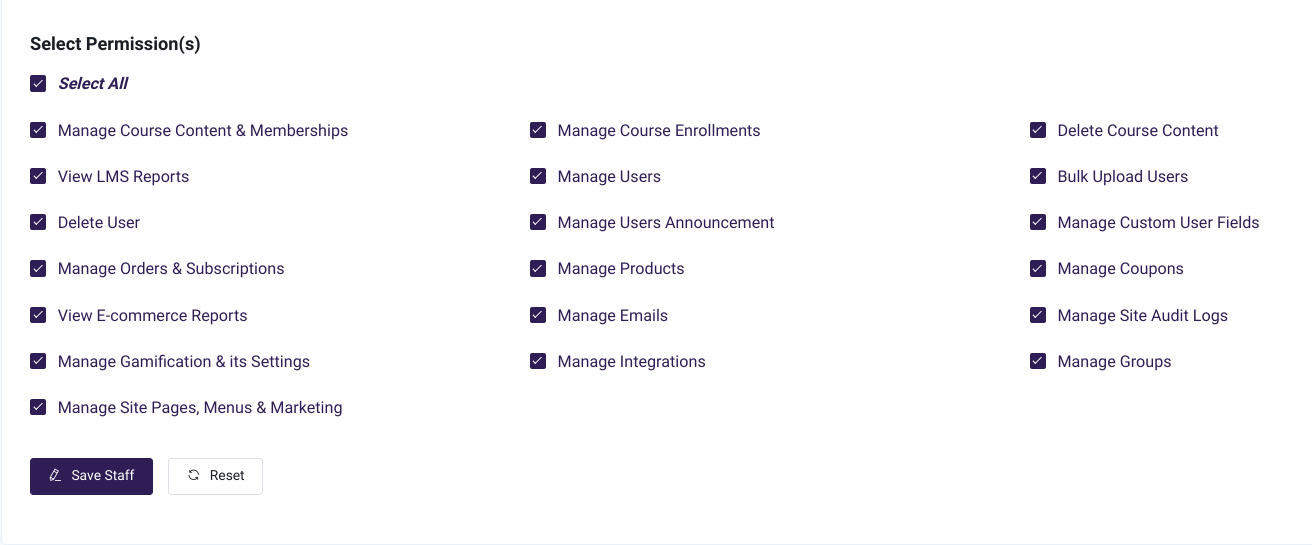
  • Added ability to select all staff permissions.
  • Updated Learner Dashboard Menu.
  • Updated language in General Settings for Terms & Conditions.
  • Fixed course progress not updating when edited.
  • Fixed single product page description not loading.
  • Fixed "Source Id is null" when the user is registered through SSO.
  • Fixed ability to edit product when creating an order manually.
  • Fixed ability to update the "multiple correct question" correct answer in video interactions.
  • Fixed email header color not getting updated.
  • Fixed last login detail in site audit log.
  • Fixed 2FA 500 server error.
  • Fixed site audit log exception when group has been deleted.
  • Fixed staff profile loading issue.
  • Fixed ability to process a free product after order status changed.
  • Fixed catalog loading issue.

If you have any suggestions or feedback, please don't hesitate to reach out to us at help@academyofmine.com.

December 1, 2023

Added: Video interactions and Global product settings.

Added: Video interactions and Global product settings. cover image

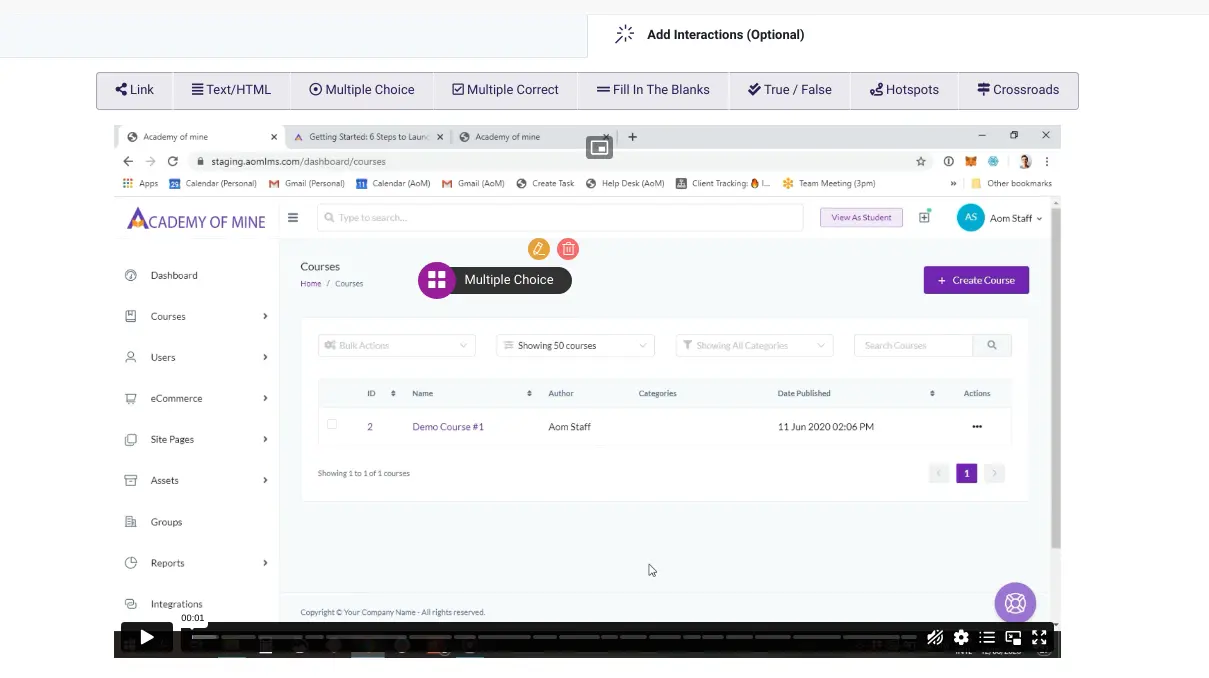
Increase engagement in your videos by adding Video interactions. Add links, additional info, pop-up quizzes, and more!

Products in your catalog are more customizable than ever with our new Global product settings. Customize the look & feel by adjusting price colors and "add to cart" labels for all supported product types.

Here's a full list of new enhancements added to CORE:

In addition, we've added improvements across the platform.

  • Updated background and text color for flashcards.
  • Updated video module with "no caption" option.
  • Updated Assignment evaluation UI.
  • Updated Quiz & Survey modules to allow previews.
  • Updated course catalog product listing with slider & tab views.
  • Updated bulk upload course enrollment logic to prevent adding courses if "All Courses" selected.
  • Updated zoom integration to allow view & download of meeting recordings.

Send us your feedback at help@academyofmine.com!

November 2, 2023

New: Dynamic product pricing, Pay-via-invoice, Flash Cards, & more!

New: Dynamic product pricing, Pay-via-invoice, Flash Cards, & more! cover image

With Dynamic product pricing, you can now offer discounts to your customers buying in bulk by creating pricing tiers based on quantity. While creating/updating a product, simply toggle "Dynamic Pricing" on, and then start creating your pricing tiers.

Integrating the efficiency of eCommerce with offline payment capabilities, we've introduced a new Pay-via-invoice option. Manage both B2C and B2B transactions seamlessly, offering payment instructions and alerting your internal receivables department about incoming orders.

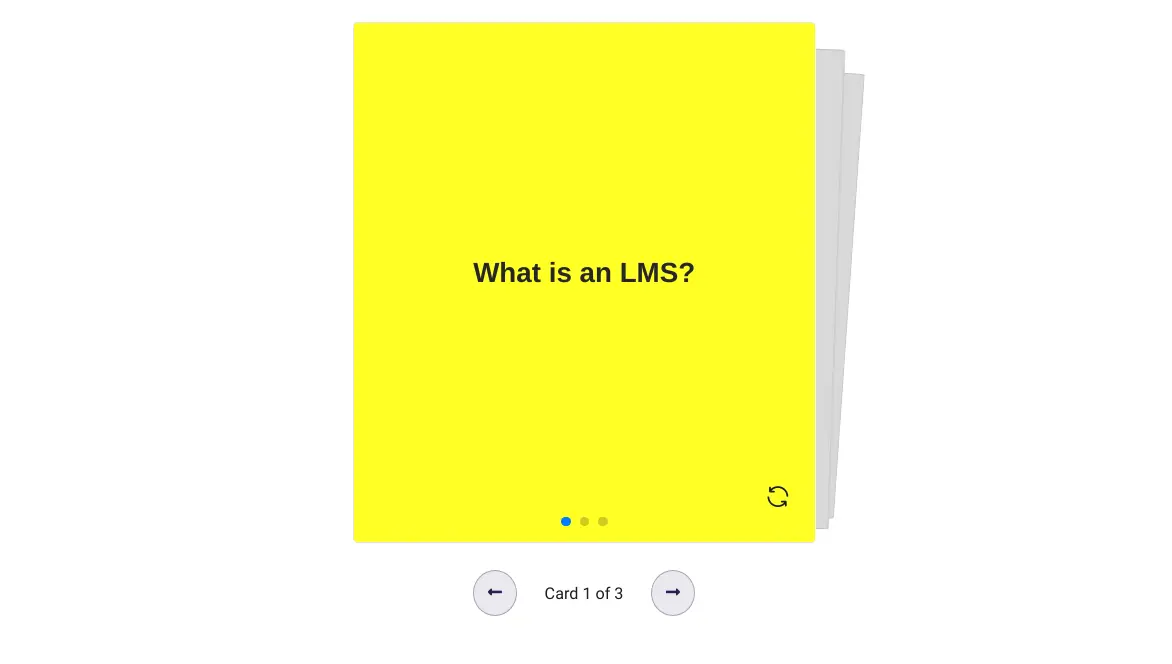
We're excited to reveal a new tool for learning and reviewing information in a quick and interactive way: Flash Cards! Flash cards can help your learners remember key information or test on various topics.

You can now use our page builder to customize individual product pages. Modify the design, include suggested products, add your own custom scripts, or get creative with whatever ideas spark your imagination!

Here's a full list of new enhancements added to CORE:

Got any questions? Reach out to us at help@academyofmine.com.

October 10, 2023

Introducing: Recommended products & Auto-enroll users

Introducing: Recommended products & Auto-enroll users cover image

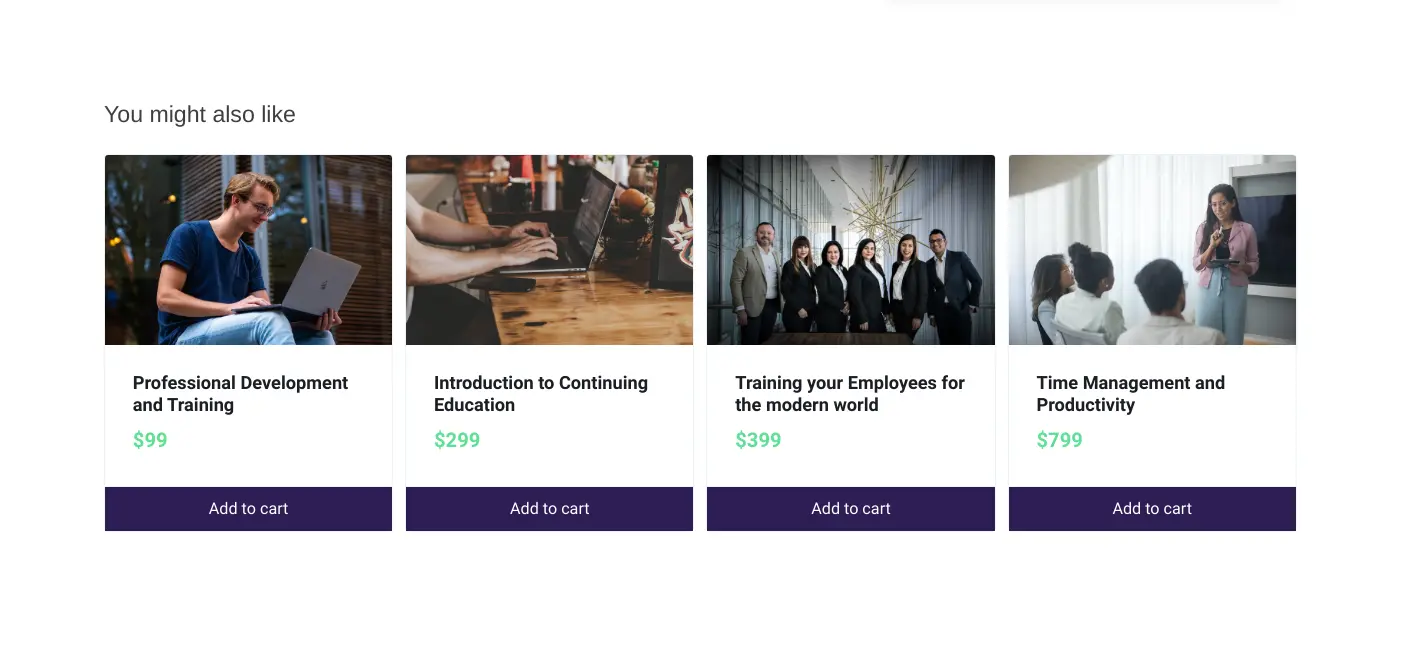
You can now help your users find additional products that might interest them with related products. We've added the ability to show related eCommerce products on single-product, cart, and thank you pages.

Do you want all your users to automatically have access to some standard courses? We've added the ability to auto-enroll users in courses once they have registered in the system.

Here's a full list of new features added:

In addition, we've added improvements across the platform.

  • Updated roles and permissions.
  • Updated the Stripe API to incorporate the latest Stripe API release.
  • Updated to allow students to view the minimum time required to complete each module within a course, making tracking progress easier.
  • Updated the Course Catalog to display both the date and time for instructor-led products, providing users with more detailed information.
  • Updated to remove the "View As Student" button. Instead, a new "My Learning" sidebar menu has been introduced for enrolled users to easily access their courses.